Keep the delivery promise in view.
Orders, routes, drivers and proof of delivery, connected.
Plan the round with the orders and vehicle capacity in front of you. Give drivers the stop details they need, then keep signatures, photos and delivery outcomes with the order.
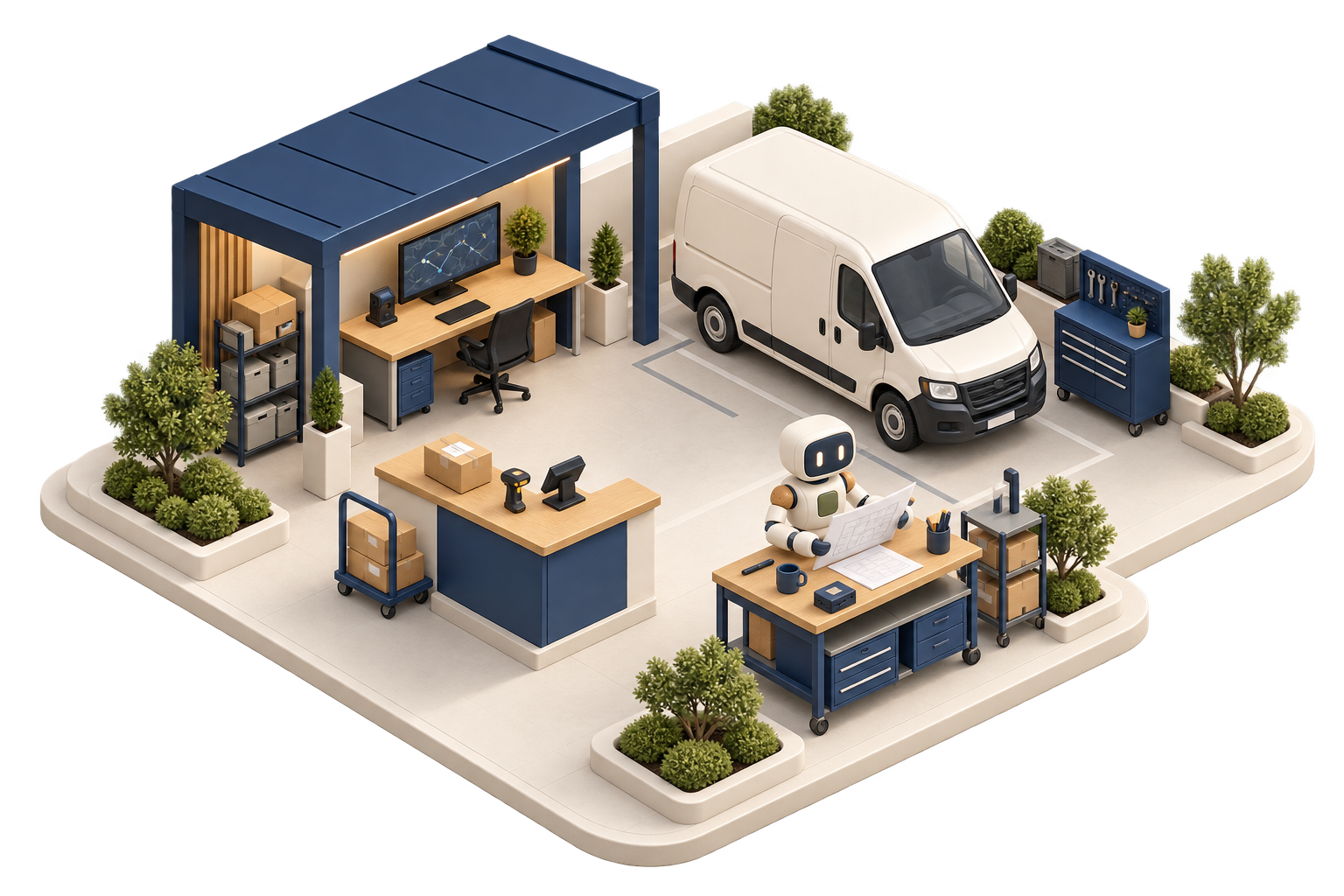
Can today’s orders fit on the planned round?
Review the stops, load and delivery windows before releasing a run. When a delivery changes, keep the outcome visible to the office team.
Is the planned load within the van’s capacity?
Check the load before releasing the delivery run.
 Delivery planningIllustrative records
| Measure | Value | Meaning |
|---|---|---|
| Vehicle payload | 1,800 kg | Configured limit |
| Planned load | 1,620 kg | Orders assigned to the run |
| Remaining payload | 180 kg | Capacity still available |
The load uses 90% of the configured payload.
Review the stop order, delivery windows and other vehicle limits before releasing the plan to the driver.
- A day board of waiting deliveries — everything still waiting for a van, filtered by delivery area, and flagged if it's urgent, needs cash at the door, is hazardous (ADR) or needs a fridge van (Growth plan and above).
- A preview before you save — as you build a route you see which stops fit, which don't and which need checking, along with van capacity, areas, clashes and the driver's hours for the week, on a map with numbered pins (Growth plan and above).
- Fleet details set up once — carriers and how you choose between them, shipping terms, vehicle types, vans, drivers, delivery areas, and route templates for the rounds you repeat every week (Growth plan and above).
- Proof of delivery on every drop — photo, signature, GPS location and an outcome for each line, so a part-delivery is recorded line by line. A drop can be logged at the time it really happened, but never at a time in the future (Growth plan and above).
- A run for each driver — drivers start the run, arrive at each stop, then mark it delivered, failed or collected. Loading and unloading are checked by scan, the van is loaded in reverse drop order, and there's a printable run sheet for the cab (Scale plan).
- Delivery performance you can act on — on time and in full, first-attempt success, the most common reasons drops fail, plan against actual, drops per hour, CO2e and cost to serve. Missing data shows as unknown rather than being counted as zero (Growth plan and above).
Plan it properly, then prove it happened.
Most delivery days go wrong in one of two places: a round that was never going to fit, or a drop nobody can account for afterwards.
A draft route shows what fits and what doesn't before you save it: van capacity, delivery areas, clashes and the driver's hours for the week.
The driver page keeps working offline. Each step is saved on the phone and sent once the van is back in coverage, so nobody retypes anything in the evening.
Photo, signature, GPS location and an outcome for each line at every stop, so a delivery dispute has a record to check instead of someone's memory.
The driver page works where there's no signal.
This is where a lot of delivery software lets drivers down, so it's where we spent the most time.
A driver leaves the yard at seven with twelve drops, four of them down lanes with no signal at all. At the fourth stop there are no bars, and it makes no difference. The phone already holds the day's run, so even if the page is reloaded the run is still there. The driver marks their arrival, records two lines delivered and one short, photographs the pallet and takes a signature at the door. Each of those steps is saved on the phone. When the van reaches a main road at half eleven, they're sent in the order they happened. Anything that fails is tried again, anything that shouldn't go can be discarded, photos that didn't upload can be attached again, and the driver is warned if the load changed while they were offline. If a phone leaves the business, forget this device wipes it clean. Nothing gets retyped in the evening, because nothing was lost.
On the Scale plan you get more control over all of this. A readiness checklist marks each issue as pass, warning or block, and a supervisor can override it when the business accepts the risk. You can send a route to the driver and take it back, change a published route with a preview showing what's different (including changed addresses), replan the remaining stops during a run, or stop a run with a reason. The route optimiser only makes a suggestion. It shows how full each van is, any overtime, stops it couldn't fit and why, and warnings you have to acknowledge. A person then chooses to apply it to a draft or planned run. It never changes a route on its own, and it never replans a run that's already under way. Cash taken at the door is checked at the end of the day by currency and payment method, with a record of who held it, a second person to sign it off and a step to mark it as banked.
Because it's all one system, rounds are built from real orders. Sales orders fill the list of waiting deliveries, stock is what actually goes on the van, and the wholesale ERP overview shows buying, stock, selling and delivery together.
Frequently asked questions.
What does delivery route planning software actually do?
It turns a pile of deliveries into planned multi-drop rounds, then records what happened on the road. In Cobalt ERP you get a day board of waiting deliveries filtered by area, a route builder that previews capacity, areas, clashes and driver hours, a map with numbered pins, and proof of delivery from each stop. It plans and records your own deliveries. It doesn't message your customers, and there's no tracking link or delivery booking for buyers.
Does it work without a mobile signal?
Yes. The driver page works offline. The day's run is kept on the phone, and every step a driver takes is saved and retried until it goes through, so a drop made with no signal is recorded at the door and sent once the van is back in coverage.
Do drivers have to install an app?
No. The driver page is a web page in the phone's browser, so there's nothing to download or update from an app store. A driver signs in once and it keeps working, offline too. If a phone leaves the business, "forget this device" clears the saved run and anything still waiting to send.
How does proof of delivery work?
Each stop records a photo, a signature, GPS location and an outcome for each line, so a part-delivery is recorded line by line rather than as a simple yes or no. Proof of delivery is on the Growth plan and above. A drop completed offline can be logged at the time it actually happened, but never at a time in the future.
Can drivers collect cash on delivery?
Yes, on the Scale plan. Deliveries that need cash at the door are flagged on the day board, and drivers record what they collected at each stop. At the end of the day the cash is checked by currency and payment method, with a record of who held it, a second person to sign it off and a step to mark it as banked. Nobody has to take the total on trust.
Which plan do I need for delivery routing?
Route planning with the day board and preview, fleet details, route templates, proof of delivery and delivery performance reports are on the Growth plan and above. Driver runs, sending and recalling routes, changing and replanning them, load and unload scanning, the readiness checklist, the end-of-day cash check and the route optimiser are on the Scale plan. The optimiser makes a suggestion that you review and apply to a draft or planned run. It doesn't change anything by itself.
Related pages.
Give your drivers a plan they can trust.
Plan routes for your own vehicles, send each round to the driver and get proof back from every drop, with or without signal.
Book a demo