 Cobalt ERP
Find the tools your business needs.
One ERP, with capabilities and limits defined by your plan.
Explore sales, purchasing, finance, stock and the other areas of Cobalt. Use the plan comparison to check the included capabilities, users and usage allowances.
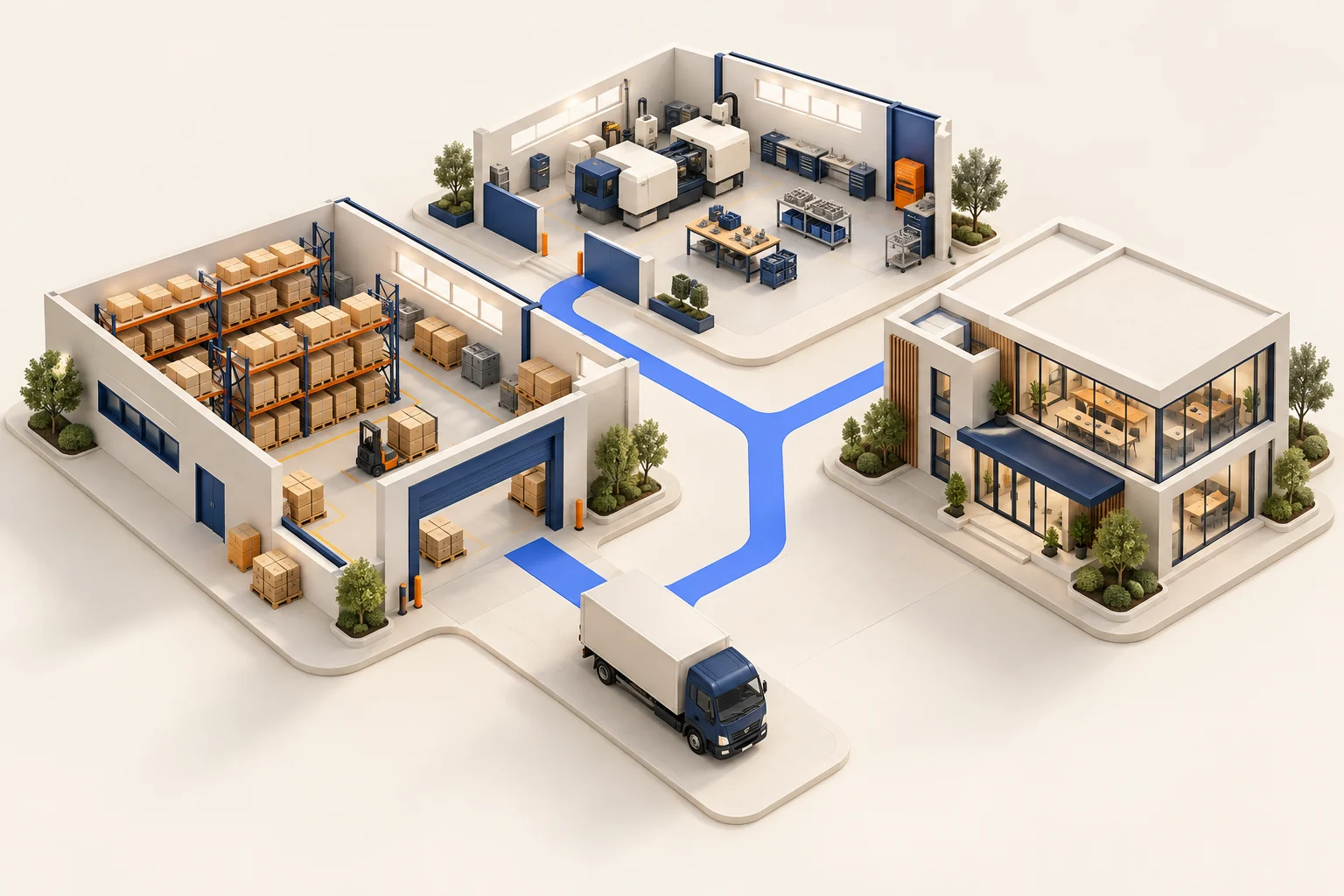
Start with the work you need to cover.
Every plan starts with connected trading records. Higher plans add capabilities for finance, warehouse operations, people, planning and control.
Eight modules, one record underneath
Every module works from the same records. There is nothing to sync between them, and no module keeps its own copy of what another one needs.
Module
Sales
quotes · orders · invoicing
One record
Purchasing
orders · deliveries · invoice checks
One record
Stock
locations · batches · serial numbers
One record
Warehouse
pick · pack · dispatch
One record
Delivery
runs · vehicles · proof
One record
Finance
books · bank · VAT · month-end
One record
People
roles · permissions · limits
One record
Portals
customer and supplier
One record
- Unlimited customer & supplier portal accounts — invite every customer and supplier you trade with. Portal users never count towards your staff seats, on any plan. If you have 400 trade customers, giving all 400 a login costs nothing extra.
- Industry packs — two of them, to set up the workspace for the kind of business you run. Free, and you can change your mind later.
- Six onboarding templates — choose your sector when you sign up, and your product categories, cost centres and reporting headings are set up for you.
- Country packs — the United Kingdom and Pakistan, each setting up the right chart of accounts and tax codes.
- The audit trail — your record of who did what and when. Every business needs a history of its own activity, so it comes with every plan.
- Two-factor authentication — including the option to enforce it across your whole workspace.
Two industry packs, both free.
A pack fits the workspace to how your business works: which areas appear, what things are called, and which figures show on your home screen. Review the appropriate pack and configuration for your business.
Stock, warehousing, purchasing and order to cash. Your home screen shows stock value, on-time fulfilment against your targets, aged debtors, goods received but not yet invoiced, and purchases in progress. This is the standard setup for a business that buys, holds and sells stock.
Plans, recurring and usage-based billing, chasing failed payments, and subscription figures. Customers become subscribers and your catalogue becomes plans. Your home screen shows monthly and annual recurring revenue, active subscriptions, the month's change in recurring revenue, failed payments and cash collected.
Leave both off and you get the full standard setup with the usual names. A pack only shows areas your team is already allowed to use. It never gives anyone extra access.
Six starting points, one per type of business.
When you sign up, you tell us what kind of business you run. Cobalt ERP then sets up product categories, cost centres and reporting headings to match, so you start by adjusting a structure instead of facing an empty system.
- General business — a lean starting structure that fits almost any company.
- Wholesale & distribution — buying and reselling in volume, with warehouse, logistics and purchasing set up.
- Retail store — shop departments, with the shop floor and stockroom kept apart.
- E-commerce — selling mainly online, with cost centres for fulfilment, marketing and the platforms you sell on.
- Light manufacturing — making and selling, with raw materials and finished goods kept apart and cost centres for production.
- Professional services — consultancies and agencies, with billable work, retainers and running the practice.
These six onboarding templates are available on every plan. They are starting categories, not the list of industry workflows the product supports. Review configuration changes before applying them; the features and limits available still depend on your plan.
Map-credit top-ups and two optional AI add-ons.
Map credits, below, are the only thing in the product charged by use. We would rather tell you now than have you find out at renewal.
Map credits. Route planning on Scale and above uses mapping services to locate addresses and estimate journey times. Optional top-ups are available at €10 or €25. Before ordering, confirm the included request allowance, top-up capacity, reset and expiry terms with Cobalt. A monetary top-up is not a guaranteed number of routes.
AI onboarding and AI support are optional software add-ons, paid once or monthly, with prices on the pricing page. They do not replace your plan’s included import tools and standard support, or promise a staffed implementation project. Review what onboarding covers and what support covers, then agree the additional scope before ordering.
Plan prices include the published user, storage, document and AI allowances. Extra staff users and optional services are priced separately on the pricing page. Accounting connections require Growth or above, and your accounting provider may charge its own subscription.
Move up or down a plan without losing anything.
Every plan runs on the same system. Review the new limits, price and effective date when changing your subscription; you do not need to export and re-import your data to change plans.
If you move down a plan and you are over a limit, you keep everything you already have. You just can't add more of that thing until you are back under. Nothing is deleted to make the numbers fit.
Every plan includes CSV exports for customers, products and invoices. Growth and above add advanced accountant CSV handoff and account mapping. Cancellation and access after cancellation follow the subscription terms. Export the records you need before access ends.
Do my customers count as users?
No. Customer and supplier portal accounts are unlimited on every plan and never use up a staff seat. Only your own team counts towards your plan's user limit. The product itself enforces this.
Do industry packs cost extra?
No. Both packs are free on every plan. Turning one on changes which areas of the app you see, what records are called and which figures show on your home screen. You can switch a pack on or off later, and with no pack you use the standard setup within your plan’s feature and usage limits.
What is the difference between a pack and a template?
A template is a one-off head start. It sets up your product categories, cost centres and reporting headings when you sign up, and after that the structure is yours to change. A pack is a setting that stays on. It decides which modules appear and what things are called for as long as it is turned on. Both are free.
Which countries are supported?
The United Kingdom and Pakistan have country packs today, with a starting chart of accounts and tax codes. For another country, confirm onboarding availability, local requirements and the configuration needed with our team before signing up.
Is there any hidden usage billing?
No. Map credits are the only usage-based extra, and they are optional. Storage has a small buffer above your plan's allowance, then stops taking new uploads instead of billing you. Document scanning pauses when you reach your monthly page allowance and starts again when it resets. Nothing produces a surprise invoice.
Are the AI features charged by use?
Built-in checks and product matching do not use external-model credits. Local document text recognition uses the document-page allowance in your plan. From Growth up, plans also include an allowance for external-model answers; an explicitly enabled external vision service may use that allowance too. Usage limits still apply, and paid-model allowance is separate from document-page limits.