Give the delivery team a shared plan.
Connect delivery orders, vehicles, drivers and stop outcomes. Your team can plan the round and follow the delivery record from loading to proof of delivery.
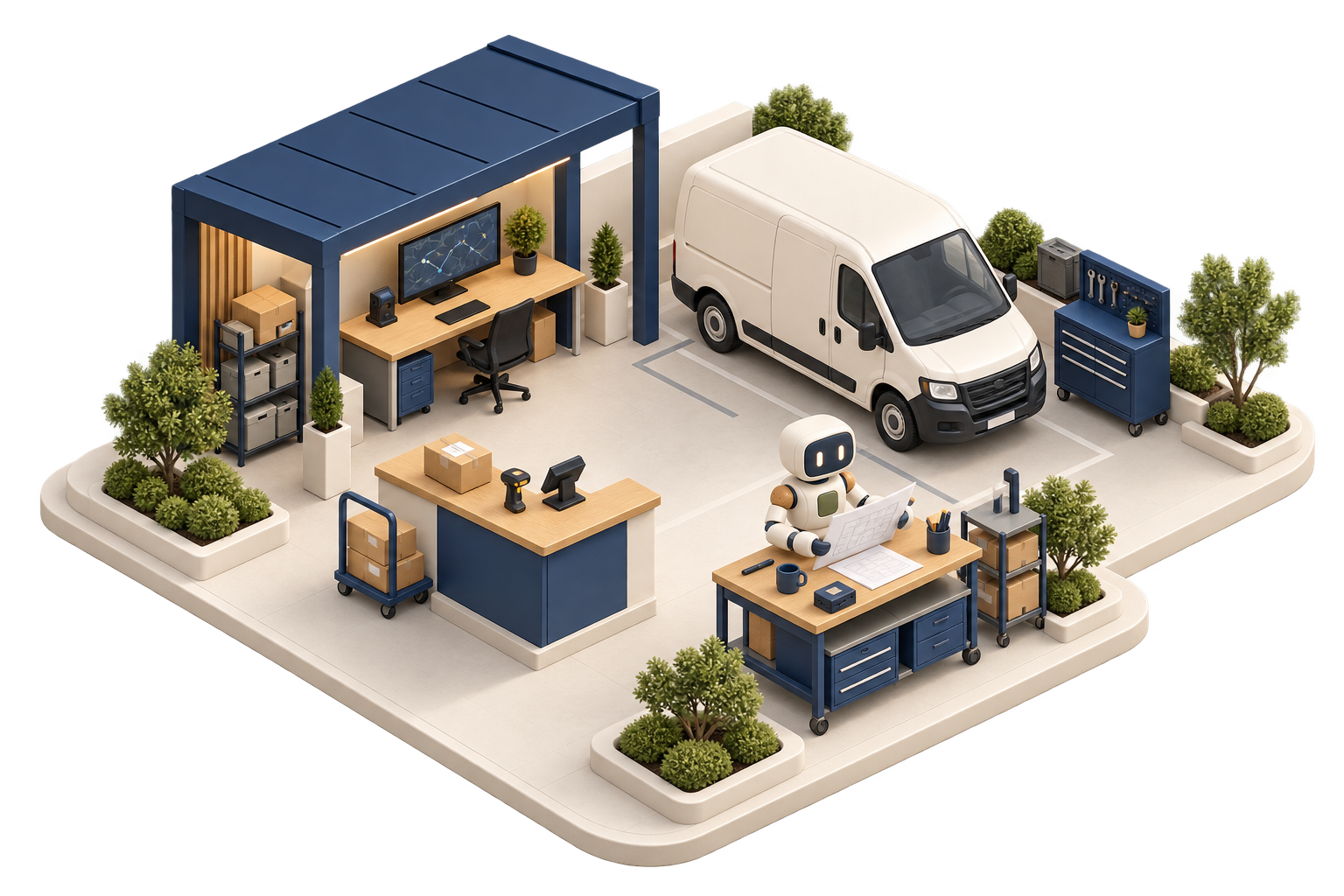
What needs to travel on today’s round?
Review orders, vehicle capacity and delivery windows together. Keep each stop and delivery outcome attached to the original order.
- Vehicles and drivers on record, with capacity and licence limits
- Multi-drop runs built from open orders and put in order for the day
- Proof of delivery recorded on the order: signature, photo or code
- Failed deliveries recorded with a reason and rebooked, not lost
- Running costs for each vehicle: fuel, maintenance and how much it is used
- Cost per drop worked out from the actual run, not estimated
See the decision in context.
Follow the records behind an everyday question, then review the next step with your team.
Can we add this order to the round?
Check the proposed load against the configured vehicle limit.
 DeliveryIllustrative records
| Measure | Weight | Result |
|---|---|---|
| Vehicle limit | 1,800 kg | Configured payload |
| Current load | 1,620 kg | 180 kg remaining |
| Additional order | 240 kg | 60 kg over the limit |
The extra order needs another arrangement.
Review another vehicle or run. A plan should respect the configured capacity rather than quietly increasing it.
What it doesn't change.
This industry configuration brings together relevant Cobalt workflows. It is not a separate product or a separate set of books. The six onboarding categories are listed on the What’s included page; the industry examples here show how the wider system can be configured.
No separate industry fee
There is no separate charge for an industry configuration. The underlying capabilities and limits still depend on your subscription plan.
Switchable later
Review your configuration as the business changes. Existing records remain in the same system.
You don't have to pick one
Without an industry configuration you can use the standard workspace. The modules and limits available are those included in your plan.
Related pages.
Frequently asked questions.
Does it plan routes?
It puts the drops on a run in order and keeps track of each vehicle's capacity and limits. It handles day-to-day deliveries rather than full route optimisation. See delivery route planning for the details.
Does this configuration cost extra?
There is no separate industry-configuration fee. Features such as manufacturing, advanced warehouse operations and group reporting still require the relevant subscription plan.
Can I switch this configuration later?
Review the proposed configuration changes with your team before applying them. Check permissions, workflows and plan requirements rather than treating a configuration change as a data migration.
Is this configuration available now?
Yes. Review the workflows described on this page against your requirements and the plan comparison before rollout. Wholesale and subscription packs are also generally available.
Start from a setup that fits your business.
The fleet & delivery industry configuration has no separate fee. Check the underlying plan requirements and discuss your setup with us.
Book a demo