Bring recurring work into the customer account.
Keep plans, renewals and recurring invoices alongside the customer’s other business. Review billing changes and the movement in recurring revenue from the same records.
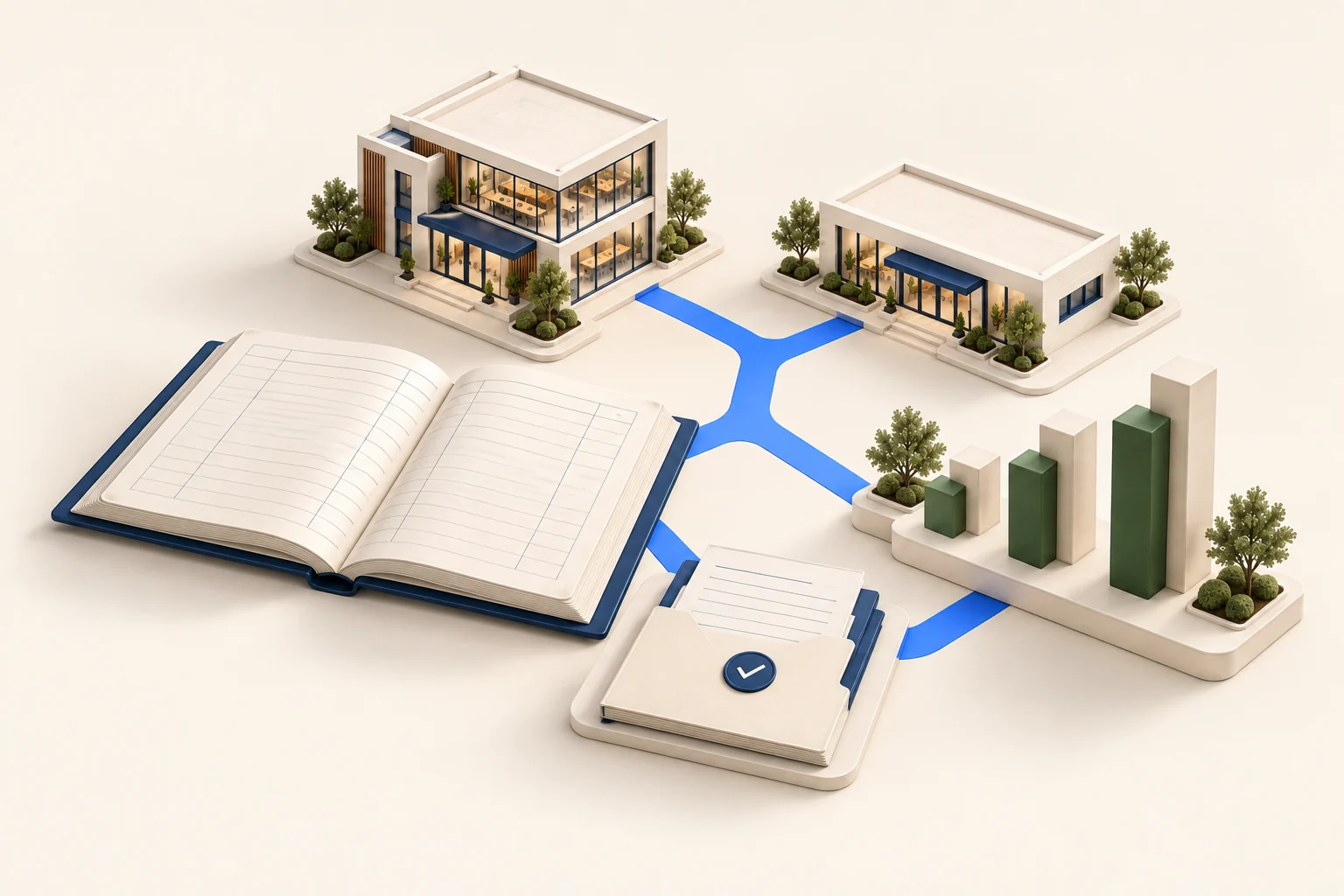
What changes at the next renewal?
Review the customer’s plan, billing schedule and agreed changes together. Keep the renewal and resulting invoice linked to the account.
- Subscription plans with tiers, usage-based charges and changes part-way through a term
- Sign a customer up in one step, with their billing schedule created from the plan
- Monthly recurring revenue split into new, upgrades, downgrades and cancellations, and matched to the books
- Failed payments retried on a set schedule, then service put on hold instead of failing quietly
- Part-period charges worked out on upgrade, downgrade and cancellation
- Recurring invoices raised alongside your normal sales invoices, in the same books
See the decision in context.
Follow the records behind an everyday question, then review the next step with your team.
What will the next billing run include?
Review active contracts and agreed changes before billing.
 SubscriptionsIllustrative records
| Account | Monthly amount | Next step |
|---|---|---|
| Alder UK | £400 | Standard renewal |
| Harbour Foods | £650 | Review agreed upgrade |
| Atlas Trade | £300 | Check cancellation date |
Check the changes before preparing invoices.
Keep the renewal decision and resulting invoice with the customer account, alongside any one-off sales.
What it doesn't change.
A pack changes default settings, the wording on screen and what your home screen shows. It doesn't add a separate system, a separate set of books or a separate product, and it doesn't lock you in. Switch it off and you have the full standard system, with every record you created still there.
No separate industry fee
There is no separate pack fee. Check the plan comparison for the capabilities and usage limits your business needs.
Switchable later
Change the pack when your business changes. Your data stays where it is and nothing is retyped.
You don't have to pick one
With no pack switched on, the standard workspace remains available within your subscription’s feature and usage limits.
Related pages.
Frequently asked questions.
What should I check before using this pack?
The pack is generally available. Confirm how your billing cycles, usage data, payment follow-up and revenue schedules fit the documented scope. Late usage and final usage on cancellation need manual invoices; see the subscription billing page for details.
Does this pack cost extra?
There is no separate pack fee. The capabilities and usage limits remain subject to your subscription plan.
Can I switch this pack off later?
Yes. A pack sets default settings, wording and what your home screen shows. Switch it off and every record you created stays, and you have the full standard system.
Is this pack available now?
Yes. The subscription and recurring pack is generally available. Review the documented billing scope and plan requirements before rollout.
Run Cobalt ERP in the words your business already uses.
The subscription & recurring pack is included on every plan. Book a demo and we'll set it up with your own data.
Book a demo